Phishing in 2026: The 10-Second Checks Before You Click in the UAE

Phishing in 2026 does not always look suspicious at first glance. Scam emails, fake delivery messages, cloned login pages, and urgent account alerts are getting more polished, especially on mobile. That is exactly why a quick 10-second check before you click matters.
Start with the sender. A message may show a familiar company name, but the real email address, phone number, or domain often gives it away. Look for misspellings, extra characters, unusual country domains, or addresses that do not match the real business.
Next, inspect the link before opening it. On mobile, press and hold the link to preview it. On desktop, hover over it. If the web address looks shortened, strange, or unrelated to the official website, do not open it. Go to the company’s official app or website directly instead.
Also watch the tone. Phishing messages usually try to create urgency: verify now, payment failed, account locked, unusual login, or final warning. Pressure is part of the trick. A real warning may still exist, but you should verify it through an official channel, not through the message itself.
A few smart habits make a big difference:
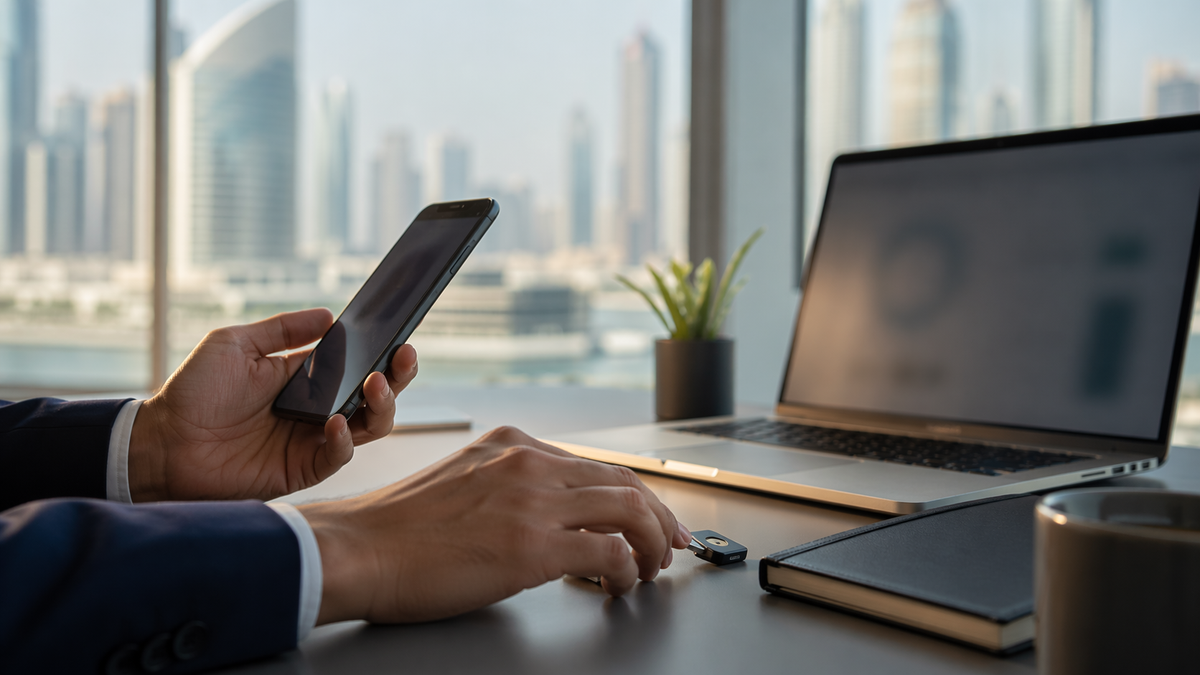
- Turn on multi-factor authentication wherever possible
- Avoid opening unexpected attachments
- Do not enter passwords or one-time codes after following an unverified link
- Report suspicious messages to your bank, employer, service provider, or relevant UAE reporting channel
If you already entered your credentials, act immediately. Change your password, update any other accounts using the same password, enable or reset MFA, sign out of active sessions, and review account activity. If the affected account is linked to banking, payments, or email, contact the provider or bank right away. Your email account should be secured first if it may be compromised, since it can be used to reset access to everything else.
Conclusion
The safest anti-phishing habit is simple: pause first. A few seconds of verification can prevent much bigger problems later.
Key Takeaways
- Check the real sender details, not just the display name
- Preview links before clicking and use official websites or apps instead
- Treat urgent messages with caution, especially those asking for passwords or codes
- Enable MFA so a stolen password alone is less useful to attackers
- If you entered credentials, change them immediately and secure connected accounts
Sources: UAE Cyber Security Council, TDRA, CISA.
Disclaimer: This article is provided for educational and informational purposes only. It does not constitute legal, financial, cybersecurity, or professional advice. Readers should verify important information through official sources before taking action.


