
How to Check QR Code Payment Requests Before You Scan

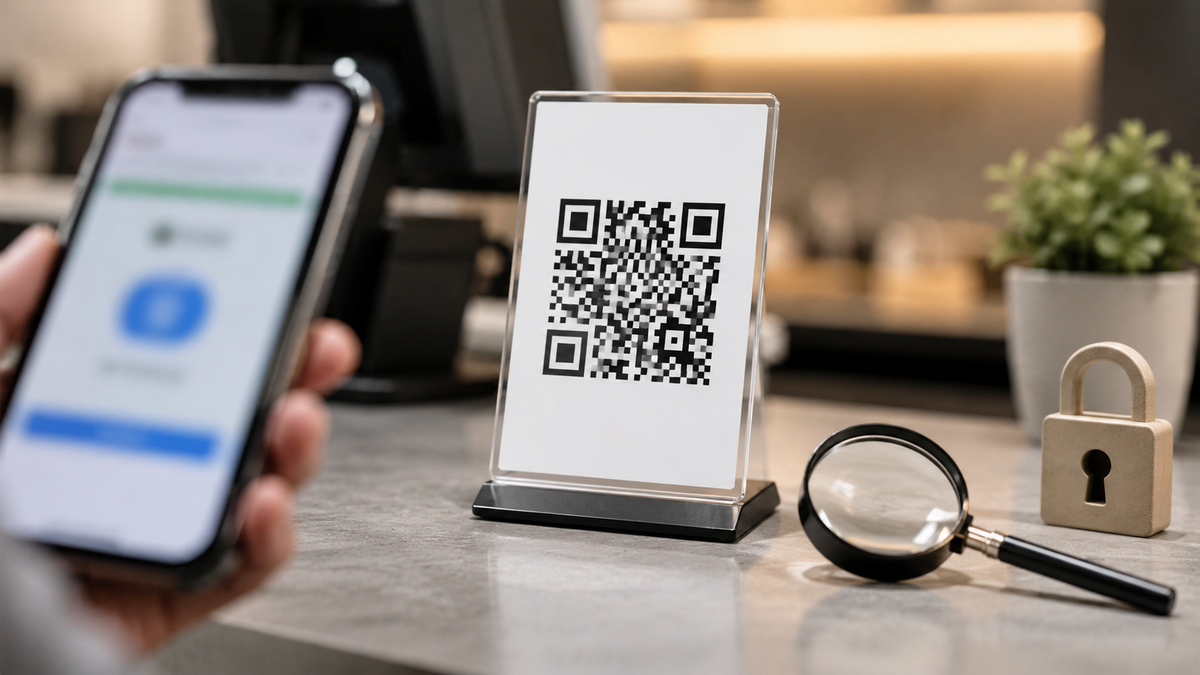
A QR code can make payment quick, but it can also hide a fake payment page. Before scanning any QR code for parking, delivery, bills, donations, fines, subscriptions, or online orders, take a few seconds to check where it came from.
Dubai Police recently warned residents about scams involving fake QR code links, especially codes shared through messages, emails, and public places. The risk is simple. A scan can send you to a fake page that asks for payment details, login information, or personal data.
Quick Answer
Do not scan a QR code payment request just because it looks official. First check the source, where the QR code appears, and the website preview before entering any payment details.
Simple Explanation
A QR code is only a shortcut to a link. If the link is fake, the QR code can take you to a fake payment page.
Scammers may place a sticker over a real QR code, send a code through a message, or make a fake notice look urgent. The FTC has warned that scammers use QR codes to hide harmful links. The FBI has also warned that malicious QR codes can be used to collect personal or financial information or lead users to harmful downloads.
Practical Steps Before You Scan
- Check the source
Only scan payment QR codes from trusted places, official apps, known businesses, or verified service channels. - Look for tampering
If the QR code is a sticker placed over another code, looks damaged, or appears in a strange location, do not scan it. - Preview the link
Most phones show the website before opening it. Check for spelling mistakes, strange domains, extra words, or unfamiliar links. - Avoid urgent payment pressure
Be careful with messages claiming you must pay immediately to avoid fines, delivery issues, account closure, or legal action. - Use the official app instead
For parking, government services, banking, delivery, or subscriptions, open the official app or website yourself instead of using a random QR code.
Checklist
• Do I trust where this QR code came from?
• Does the payment page match the official service?
• Is the amount, merchant name, and purpose clear?
• Am I being rushed or threatened?
• Can I pay through the official app instead?
What To Do Next
If you already scanned a suspicious QR code, stop and do not enter more details. Close the page. If you shared payment details, contact your bank right away. If you entered login information, change your password and enable two factor authentication if available. Report suspicious activity through the official service provider or the relevant official channel.
Key Takeaways
• A QR code is only safe if the link behind it is safe.
• Fake payment QR codes can appear in messages, emails, packages, parking areas, or public places.
• When in doubt, use the official app or website instead of scanning.
Sources: Dubai Police via Khaleej Times, Federal Trade Commission, Federal Bureau of Investigation.
Disclaimer: This article is provided for educational and informational purposes only. It does not constitute legal, financial, cybersecurity, or professional advice. Readers should verify important information through official sources before taking action.


